


Version TrueMap 6 -3D Surface Texture Analysis Software
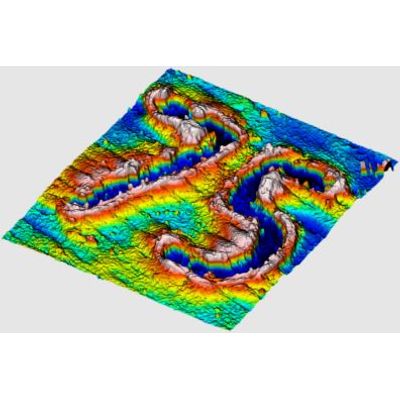
Unparalleled Surface Rendering Capability. TrueMap allows complete control in your surface and profile visualization choices. Rendering styles: solid, wireframe, wireframe + points. Full control of surface lighting, including direction, and ambient shading. Rendering options including side walls, grid lines, and countour lines. Edit the z exaggeration to help visualize surface deviations. Render the axes labels relative to the surface mean, maximum, minimum, or unchanged from the values stored in the file. Render the surface using a gradient to represent the surface heights, or use a solid color, or even use the true color values from the data file if they are available. Multiple options for gradients and even an optimization feature to use the height distribution.
TrueMap calculates areal, primary, roughness, and waviness parameters
according to the latest ASME & ISO standards.
- ASME B46.1 Surface Texture: Surface Roughness, Waviness, and Lay
- ISO 3274 Surface Texture: Profile method - Nominal characteristics of contact stylus instruments
- ISO 4287 Surface texture: Rules and procedures for the assessment of surface texture
- ISO 4288 Surface texture: Profile method - Terms, definitions, and surface texture parameters
- ISO 25178 Surface texture: Areal
- ISO 13565 Surface texture: Profile method; Surfaces having stratified functional properties
- ISO 21920 Surface texture: Profile
Calculate distances, areas, step heights, volumes, and much more…
- Calculate distances and angles on profiles and surfaces
- Define a circle on a feature on a surface
- Fit a least-squares arc through a region of a profile
- Dynamically compute the volume of a hole or peak
- Easily calculate step height results